BIM Model Optimization Consulting in Charleston, SC — Improve Construction Efficiency & Accuracy with CCLS
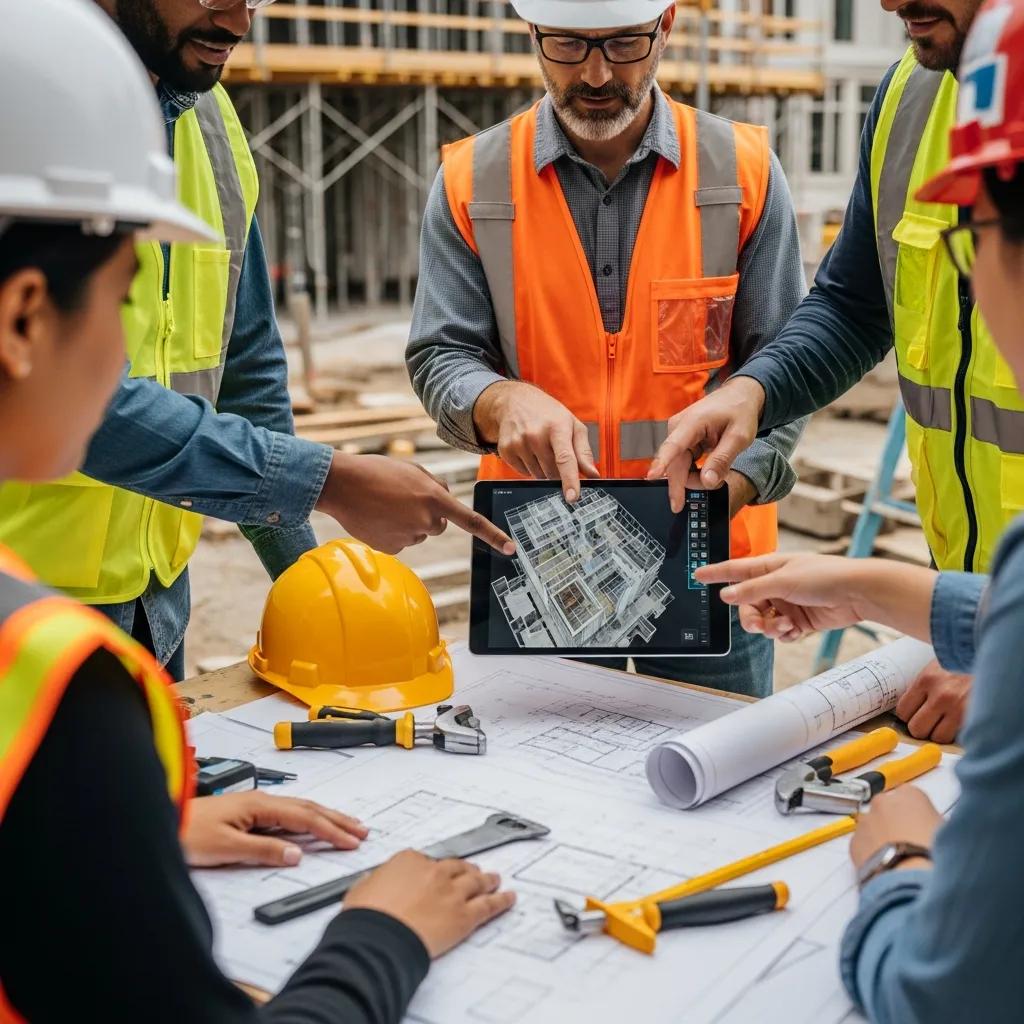
BIM model optimization cuts waste, prevents costly field rework, and makes project delivery more predictable by shaping models into buildable, validated information crews can trust. Below we explain what BIM model optimization is, why it’s especially important for Charleston projects that face historic‑and coastal constraints, and how tactics like clash detection, data validation, Revit tuning, and scan‑to‑BIM create measurable savings in cost, schedule, and accuracy. You’ll find practical workflows, validation checkpoints, and the key tools—Revit, Navisworks, and point‑cloud processes—that support reliable BIM outputs and digital twin goals. Conway Coordination and Layout Services (CCLS) provides local BIM consulting, VDC coordination, and precision layout in Charleston; request a consultation by calling +18432834618 to discuss scope and next steps. The sections that follow define core concepts and benefits, outline CCLS services, cover advanced clash and Revit performance strategies, explain scan‑to‑BIM workflows for as‑built documentation, describe why CCLS is a strong local partner, and share a focused case study on the Roper Project in Charleston.
What is BIM Model Optimization and Why is it Crucial for Charleston Construction Projects?
BIM model optimization is the disciplined process of cleaning, validating, and structuring building models so they support planning, prefabrication, and field layout with no ambiguity. It covers consistent naming and parameters, clear LOD expectations, multi‑trade clash detection, and performance tuning so downstream tools and crews can rely on the digital twin. In Charleston—where renovations, historic preservation, tight MEPF routing, and coastal durability requirements add complexity—an optimized model reduces uncertainty and cuts costly site fixes. Industry experience shows better coordinated models produce fewer RFIs and less rework, speed approvals, and improve safety in the field. Grasping these fundamentals helps teams implement targeted optimization steps that align models with construction intent and local constraints.
How Does BIM Optimization Improve Project Efficiency and Reduce Costs?
BIM optimization drives efficiency by catching coordination issues early with automated clash detection and by enforcing an LOD that matches procurement and prefabrication needs. When clashes and fabrication conflicts are resolved in the model, crews spend less time troubleshooting in the field—reducing labor hours and schedule risk. Typical outcomes include fewer RFIs and change orders and measurable time savings during installation and inspections. For example, coordinated models that enable off‑site prefabrication often shorten installation hours and accelerate critical‑path trades. Those gains compound on repeatable systems or modular components, producing sustained ROI over the life of the asset.
What Role Does Data Integrity Play in Effective BIM Models?
Data integrity means model elements carry correct, consistent attributes—naming conventions, shared parameters, asset IDs, and LOD—so teams can rely on quantities, procurement, and digital handover. Validation includes automated checks, parameter audits, naming‑standard enforcement, and ISO 19650‑aligned BEP checkpoints to prevent drift between design intent and construction execution. Poor data integrity creates quantity mismatches, incorrect prefab dimensions, and unreliable asset records that weaken the digital twin. Scheduled validation gates—model submission, pre‑fabrication sign‑off, and pre‑installation verification—keep the model aligned with site reality and reduce downstream rework and change management friction.
Which Comprehensive BIM Model Optimization Services Does CCLS Offer in Charleston?
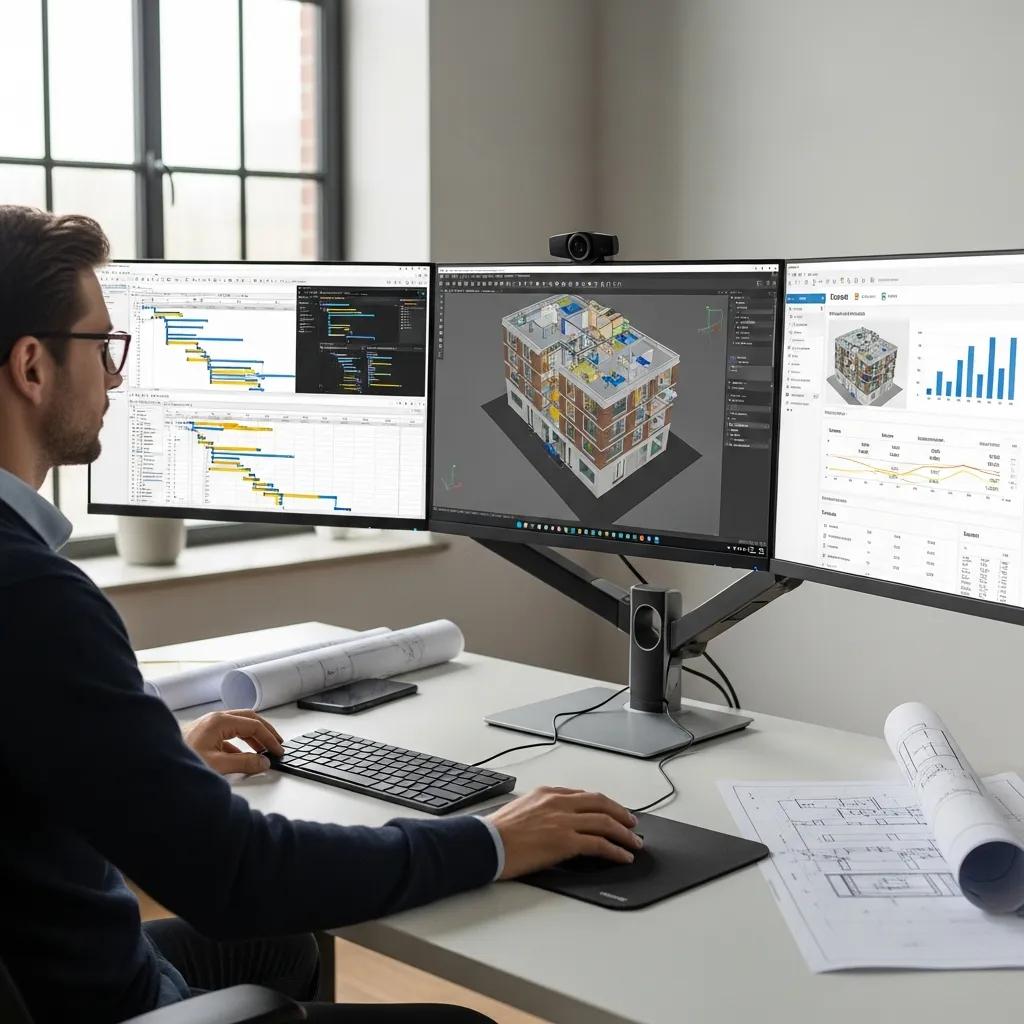
CCLS provides a focused suite of BIM optimization and VDC services that align model outputs with field needs: model coordination, Revit performance tuning, scan‑to‑BIM, clash resolution, and precision layout workflows. We combine digital modeling with on‑site layout technology—like Trimble Robotic Total Stations—so models translate directly into accurate control points and install geometry. Typical deliverables include federated coordination models, prioritized clash reports, optimized Revit files, as‑built Revit exports from point clouds, and layout control datasets for field crews. Our local project experience in Charleston lets us address renovation constraints and tight historic sites with practical, buildable model standards. To start a project review or request a consultation, contact Conway Coordination and Layout Services at +18432834618 to schedule a technical discussion about scope and deliverables.
Before the comparison table below, this list summarizes core services and what clients should expect from each offering.
- VDC Consulting: A structured program that establishes the BEP, coordination cadence, and role responsibilities to align digital and field workflows.
- BIM Data Integrity: Model audits and parameter normalization to deliver reliable metadata for procurement and handover.
- Clash Detection: Multi‑trade conflict identification with prioritized mitigation steps and documented resolution paths.
- Scan‑to‑BIM Services: Point‑cloud processing into as‑built Revit models for accurate renovation planning and layout control.
This comparison shows goals and typical outcomes for each core service CCLS provides.
| Service Area | Goal | Typical Deliverables |
|---|---|---|
| VDC Consulting | Align digital workflows to field execution | BEP, coordination schedule, role matrix |
| BIM Data Integrity | Deliver consistent, validated metadata | Model audits, naming standards report, parameter mapping |
| Clash Detection | Find and resolve multi‑trade conflicts | Clash reports, resolution logs, coordination sessions |
| Scan‑to‑BIM | Produce accurate as‑built Revit models from point clouds | Registered point cloud, as‑built Revit model, orthophotos |
| Revit Tuning | Improve model performance and usability | Optimized Revit files, workset strategies, purge reports |
Use this table as a quick reference for owners, contractors, and design teams choosing services that match project priorities and risk profiles.
How Does Advanced Clash Detection and Revit Model Efficiency Enhance BIM Performance?
Advanced clash detection spots multi‑trade conflicts early and structures mitigation so teams can plan fixes before fabrication or installation. We use federated models and tools like Navisworks to aggregate, classify, and prioritize clashes, linking each issue to trade responsibility and schedule impact. Revit performance work complements clash workflows by keeping files responsive—managing links, standardizing families, and reducing bloat—so coordinators can run checks without delays. Better‑performing models enable faster iterations, shorter review cycles, and more reliable outputs for procurement and layout. Together, these practices shrink coordination timelines and reduce the risk of field surprises that drive delays and cost increases.
Below is a practical coordination workflow teams can adopt to operationalize clash detection and Revit improvements.
- Federate Models: Combine trade models into one coordination model for aggregated clash assessment and prioritization.
- Run Filtered Clashes: Execute clash tests with trade filters and tolerance bands to surface actionable conflicts.
- Assign & Resolve: Assign clashes to responsible trades, document resolutions, and repeat coordination cycles until thresholds are met.
This stepwise process enforces accountability, speeds resolution, and protects model health through controlled iterations.
The table below outlines common trade conflicts and how addressing them in the model reduces time and cost impacts on site.
| Trade | Common Conflicts | Mitigation & Time/Cost Impact |
|---|---|---|
| MEP | Ducts or equipment clashing with structure | Prefab coordination reduces field rework and accelerates mechanical installs |
| Plumbing | Pipe routing conflicting with structural members | Rerouting in the model prevents pipe rework and shortens schedule delays |
| Electrical | Cable tray interference with architectural elements | Early coordination improves procurement accuracy and cuts change orders |
This table clarifies how targeted clash management lowers trade‑specific risks and shortens coordination cycles, with measurable productivity benefits on site.
What Are the Benefits of Multi-Trade Clash Detection in Charleston Projects?
Multi‑trade clash detection brings clear benefits to Charleston projects: less onsite rework, clearer procurement specs, and better prefabrication planning for congested MEPF zones. Catching conflicts before fabrication lets crews focus on installation rather than problem solving—critical on constrained historic sites with limited access and tight tolerances. Coordinated models also support mock‑ups and prefabrication strategies that reduce field disruption and speed commissioning. The result is improved schedule adherence, lower contingency use, and more predictable logistics for deliveries and crew sequencing.
How Does Revit Model Performance Tuning Improve Construction Outcomes?
Revit tuning targets file size, family cleanup, efficient linking, and logical workset organization to keep models responsive for coordination and clash testing. Practical actions include purging unused families, consolidating repetitive elements, unloading nonessential links during reviews, and creating simplified coordination views. Faster, more stable models reduce meeting time, increase reviewer participation, and allow more frequent validation cycles—leading to cleaner handoffs to prefabrication and layout teams. Quantitatively, quicker load times and fewer crashes save labor hours and increase the number of coordination iterations completed before construction starts.
How Does Integrating 3D Scanning to BIM Services Optimize As-Built Documentation?
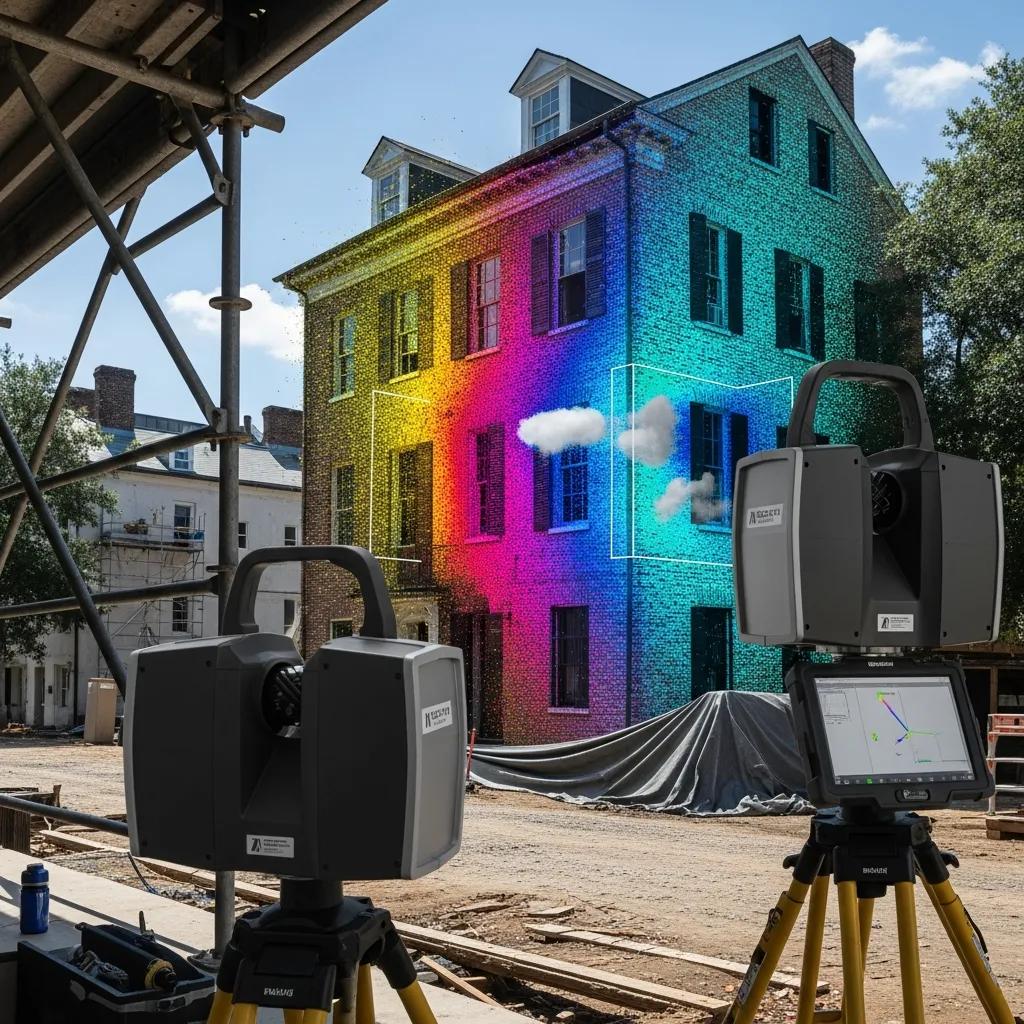
Adding 3D laser scanning to BIM workflows turns dense point clouds into accurate as‑built Revit models that reflect real site conditions and create precise digital twins for renovation and QA. The workflow starts with scan capture, registration, and classification, then moves to targeted modeling where geometry and asset metadata are extracted to the required LOD. This approach reduces uncertainty in renovation projects by providing verifiable dimensions and spatial relationships so designers avoid destructive exploratory work. When combined with BIM data validation, scan‑to‑BIM supports accurate takeoffs, clash checks against existing conditions, and precise layout control for installers.
Scan‑to‑BIM delivers practical advantages; the short list below summarizes the primary benefits when scanning is included in scope.
- Accurate baseline: Point clouds create a verifiable dimensional record for design and permitting.
- Risk reduction: Scans reveal concealed conditions that otherwise trigger change orders.
- Faster decisions: Visual, measurable references speed approvals and fabrication decisions.
These benefits reduce onsite surprises and support confident renovation planning tied to the project’s digital twin objectives.
Before the point‑cloud workflow table, note that this sequence supports design‑intent verification and field layout uses in the same deliverable package.
| Phase | Task | Deliverable |
|---|---|---|
| Capture | Field scanning with laser scanner | Registered point cloud with control network |
| Process | Registration and classification | Cleaned point cloud segments and orthophotos |
| Model | Modeling to required LOD in Revit | As‑built Revit model with metadata |
This table shows how each phase produces artifacts that feed coordination, layout, and preservation activities—optimizing as‑built documentation for both design and construction uses.
What is the Point Cloud to BIM Workflow and Its Advantages?
The point cloud to BIM workflow begins with scan capture, continues with registration and noise filtering, and ends with modeling geometry and embedding asset metadata in Revit. Advantages include sub‑centimeter accuracy, the ability to verify existing conditions against design intent, and quick production of as‑built deliverables contractors and owners can use for procurement and future maintenance. Typical processing steps include scan alignment, classification of structural vs. MEP elements, and selective decimation to balance accuracy with model performance. The outcome is an as‑built Revit model that supports clash detection, prefabrication, and a reliable digital twin for lifecycle management.
How Does Scan-to-BIM Support Renovation and Historic Preservation?
Scan‑to‑BIM documents fragile or irregular historic features without invasive measurement, allowing designers to reference exact geometries and condition data during interventions. For Charleston’s historic structures, accurate point‑cloud records preserve measured elements for the project archive and reduce the risk of damage by minimizing exploratory demolition. The workflow also helps prioritize conservation work by revealing hidden deterioration or deviations that affect structural or MEP retrofit design. Ultimately, scan‑to‑BIM creates a defensible record that supports approvals, accurate tenders, and stewardship of historic assets.
What Makes CCLS the Preferred BIM Consulting Partner in Charleston, SC?
CCLS stands apart through localized Charleston experience, a family‑owned approach, and integrated capabilities that combine VDC consulting, scan‑to‑BIM, and precision layout with technologies like the Trimble Robotic Total Station. Our portfolio includes local assignments such as the Roper Project, where coordinated BIM and layout linked model geometry to field control points. By pairing digital coordination with high‑accuracy site layout, CCLS helps teams translate model accuracy into on‑the‑ground installation accuracy—reducing variance between design and build. To discuss scope or request a consultation, call our office at +18432834618.
To highlight core client benefits, consider this short list CCLS emphasizes during engagements.
- Local knowledge: Familiarity with Charleston constraints and permitting leads to pragmatic modeling decisions.
- Technology alignment: Robotic total stations and advanced scanning produce precise handoffs to field crews.
- Coordination focus: BEP‑driven cycles and deliverable control reduce ambiguity and surprise on site.
These points explain why owners and contractors seeking predictable outcomes choose a partner that blends digital expertise with field‑proven layout discipline.
How Do 20+ Years of Expertise and Advanced Technology Benefit Clients?
More than two decades of industry experience—paired with tools like Trimble Robotic Total Stations and 3D scanning—produce predictable workflows, practical model conventions, and reliable field layout execution that lower project risk. Experience informs efficient BEP creation, sensible LOD choices, and pragmatic clash tolerances that focus effort where it delivers construction value. Technology speeds validation cycles and ties model coordinates directly to field control, enabling installers to place critical equipment and structure within intended tolerances. Clients get fewer surprises, faster commissioning, and a clearer path from model to built asset.
What Successes Demonstrate CCLS’s Local Project Experience and Precision?
CCLS’s local portfolio includes projects like the Roper Project in Charleston, where integrated BIM coordination, scan‑to‑BIM accuracy, and precision layout reduced on‑site rework and streamlined installation sequencing. Success stories often note better alignment between prefabricated assemblies and site conditions, fewer change orders during installation, and timely verification of as‑built conditions that supported handover. Local experience also eases permitting and stakeholder coordination in historic contexts by delivering documentation aligned with preservation requirements. These measurable improvements reflect CCLS’s practical mix of digital coordination and high‑accuracy layout capability.
How Has BIM Model Optimization Transformed the Roper Project in Charleston?
On the Roper Project, BIM model optimization bridged complex renovation constraints and field execution by consolidating federated models, integrating scan‑derived as‑built geometry, and producing layout‑ready control datasets. The work started with targeted scans to capture existing conditions, followed by model validation and clash resolution across MEP and structural trades. By tuning Revit for performance and holding a steady coordination cadence, the team reduced late‑stage design changes and avoided costly on‑site rework during critical installation sequences. Those efforts improved schedule adherence and smoothed commissioning.
Before the case metrics, this list summarizes primary challenges CCLS addressed on the Roper Project.
- As‑built discrepancies: Unknown existing conditions clarified through point‑cloud integration.
- Trade congestion: MEPF routing conflicts reduced with multi‑trade coordination.
- Layout precision: Critical equipment and structural points established with robotic total station support.
What Challenges Were Addressed Through CCLS’s BIM Solutions?
CCLS resolved technical issues on the Roper Project including misaligned substrate conditions versus design models, congested MEP pathways in retrofit zones, and the need for precise equipment placement within preserved architecture. Responses included scan‑to‑BIM to capture real geometry, prioritized multi‑trade clash resolution to remove critical interferences, and delivery of layout datasets compatible with robotic total station control. These actions removed ambiguity early and prevented installation delays that typically arise when field conditions diverge from design assumptions. The result was tighter coordination and a clearer route to completion.
What Quantifiable Results Were Achieved in Project Efficiency and Accuracy?
Measured outcomes on the Roper Project included notable reductions in field rework and fewer schedule impacts from coordination issues thanks to early clash resolution and scan‑verified models. While exact percentages vary by project, industry metrics commonly show double‑digit reductions in RFIs and rework hours when these practices are applied. The project saw faster prefabrication cycles and higher first‑pass installation success because layout control tied model coordinates directly to the field via robotic total station data. Those efficiencies lowered contingency usage, sped inspections, and smoothed handover while preserving schedule and budget integrity.
This case summary shows how targeted model interventions—scan integration, clash management, and precision layout—translate into on‑site improvements that go beyond digital deliverables to measurable construction performance.
Frequently Asked Questions
What are the key advantages of using BIM model optimization in historic preservation projects?
BIM model optimization gives preservation projects a reliable, validated baseline so renovation plans are based on accurate data. That reduces the risk of damaging original fabric during work because teams have precise measurements and clear condition information. Optimized models also improve trade coordination, lowering conflicts and rework. When paired with 3D scanning, teams create dependable digital twins that protect historic assets while meeting modern performance and permitting standards.
How can BIM model optimization enhance collaboration among project stakeholders?
Optimized BIM creates a single, accurate source of truth that all stakeholders can reference, improving transparency and alignment on goals, schedules, and responsibilities. With validated models and regular checkpoints, teams spot issues early, reduce misunderstandings, and make decisions faster. The result is smoother workflows, fewer surprises, and clearer accountability throughout design and construction.
What technologies are commonly used in BIM model optimization?
Core technologies include Autodesk Revit and Navisworks for modeling, coordination, clash detection, and performance tuning. 3D laser scanning captures as‑built conditions, and point‑cloud processing software converts scans into usable geometry. Robotic total stations provide precise layout control on site. Together, these tools improve model accuracy, reduce errors, and streamline handoffs from design to construction.
How does BIM model optimization impact project timelines?
Optimized BIM speeds timelines by resolving conflicts early and ensuring models are constructible before fabrication or installation. That reduces rework and change orders that typically delay construction. Optimized workflows also enable faster approvals and cleaner transitions between phases, supporting timelier project completion and better schedule predictability.
What role does training play in successful BIM model optimization?
Training is essential. It equips team members to use BIM tools effectively, maintain data integrity, run clash detection, and follow validation processes. Ongoing training builds a culture of collaboration and continuous improvement so teams sustain high model quality and extract the full value of BIM workflows.
Can BIM model optimization be applied to small-scale projects?
Yes. The principles of BIM optimization—improving data accuracy, enhancing collaboration, and reducing rework—apply to projects of any size. Small projects benefit from clearer coordination, better procurement, and fewer surprises on site. Scaled approaches let smaller teams adopt the most valuable practices without unnecessary overhead.
Conclusion
Optimizing BIM models improves construction efficiency and accuracy—especially in Charleston’s unique project environment. Techniques like clash detection and scan‑to‑BIM reduce rework and speed schedules, producing real cost savings. CCLS is ready to help with tailored consulting that fits local constraints and project goals. Contact us to explore how we can raise your project’s predictability and performance.