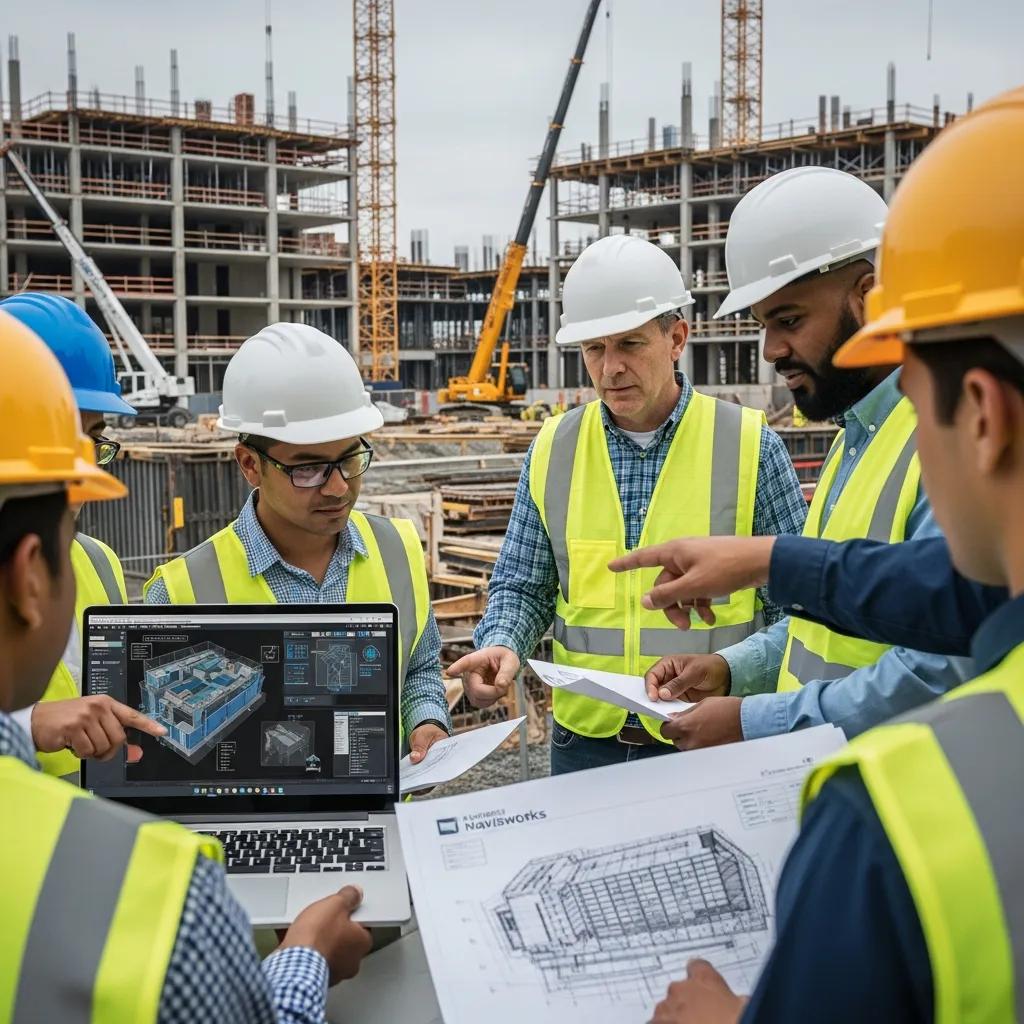
Navisworks Clash Detection Services in Charlotte, NC: Expert BIM Coordination and Construction Clash Management
Navisworks-driven clash detection brings models together and applies clear, rule-based checks to find and prioritize geometric and clearance conflicts before crews reach the field. For Charlotte projects, that means fewer surprises, lower RFI volume, and less schedule risk. Below we walk through how Navisworks detects clashes, why early detection matters for owners, GCs, MEP and structural teams, and how disciplined VDC practices turn model issues into field-verified layout. You’ll get practical workflows, the local technologies we commonly use (Autodesk Navisworks and Trimble Robotic Total Station among them), and a clear line from coordinated models to prefabrication and installation sequencing. Follow the step-by-step processes and checklists here and your team can move from model discovery to validated field placement with fewer delays and clearer responsibilities.
What Are Navisworks Clash Detection Services and Their Benefits in Charlotte?
Navisworks clash detection combines federated models, configurable clash tests, and structured reporting to catch hard intersections and clearance issues before construction starts — which saves time and money on Charlotte jobs. By aggregating discipline models and applying tolerance-driven rules, the process prioritizes what matters for installation. The payoff: fewer RFIs, smaller change-order risk, and better schedule performance for owners and GCs, plus less on-site coordination work for MEP and structural subcontractors. On dense urban projects or phased jobs in Charlotte — where mechanical corridors and access are tight — this proactive approach prevents reactive rework in the field.
Navisworks clash detection delivers these key stakeholder benefits:
- Owner Benefits: Earlier conflict detection reduces RFIs and lowers the chance of costly change orders.
- General Contractor Benefits: Issues are resolved before crews mobilize, improving schedule reliability and cutting rework.
- MEP Contractor Benefits: Clearer coordination outputs speed shop drawing approvals and support prefabrication.
The table below summarizes who gains what from early clash detection.
| Entity | Attribute | Value |
|---|---|---|
| Owner | Reduced RFIs | Fewer design clarifications during construction |
| General Contractor | Improved schedule adherence | Lower risk of installation delays and rework |
| MEP Contractor | Reduced field coordination time | Faster shop drawing approvals and prefabrication readiness |
When teams invest in model-based clash management up front, they shift cost and schedule risk left — and set the project up for smoother coordination and field execution. Next: how Navisworks finds and helps resolve those clashes.
How Does Navisworks Identify and Resolve Construction Clashes?
Navisworks works by federating discipline models into a single coordination environment, then running clash tests that flag hard intersections, clearance violations, or routing conflicts. The workflow starts with importing author models (Revit, IFC, or point cloud meshes), validating geometry and naming, then applying rule-based tests with tolerances that separate hard clashes from soft or clearance issues. Detected clashes export as structured reports and issue lists that feed into common tracking systems or coordination packages. Typical resolution steps include tagging an issue, assigning a trade lead, and tracking fixes through re-validation runs until the clash is cleared.
This detection-to-resolution loop links model review to tangible deliverables and a predictable cadence for coordination. Clear issue ownership and re-validation reduce ambiguity and let teams move confidently from model decisions to accurate field layout and verification.
What Are the Advantages of Early Clash Detection for Charlotte Construction Projects?
Finding clashes early prevents costly downstream fixes, streamlines procurement, and supports prefabrication strategies that save time on site. Early detection also improves sequencing so trade coordination is more predictable — clearance and routing questions are settled in the model rather than while crews are installing systems. On Charlotte jobs with tight MEP corridors, phased schedules, or constrained urban sites, those advantages translate to fewer installation conflicts, better labor utilization, and a cleaner path to turnover.
Early clash detection also improves risk communication: owners and GCs gain clearer visibility into constructability concerns and can plan contingencies before they impact the schedule. From there, BIM coordination expands those benefits across MEP and structural teams.
How Does BIM Coordination Enhance MEP and Structural Clash Detection in Charlotte?
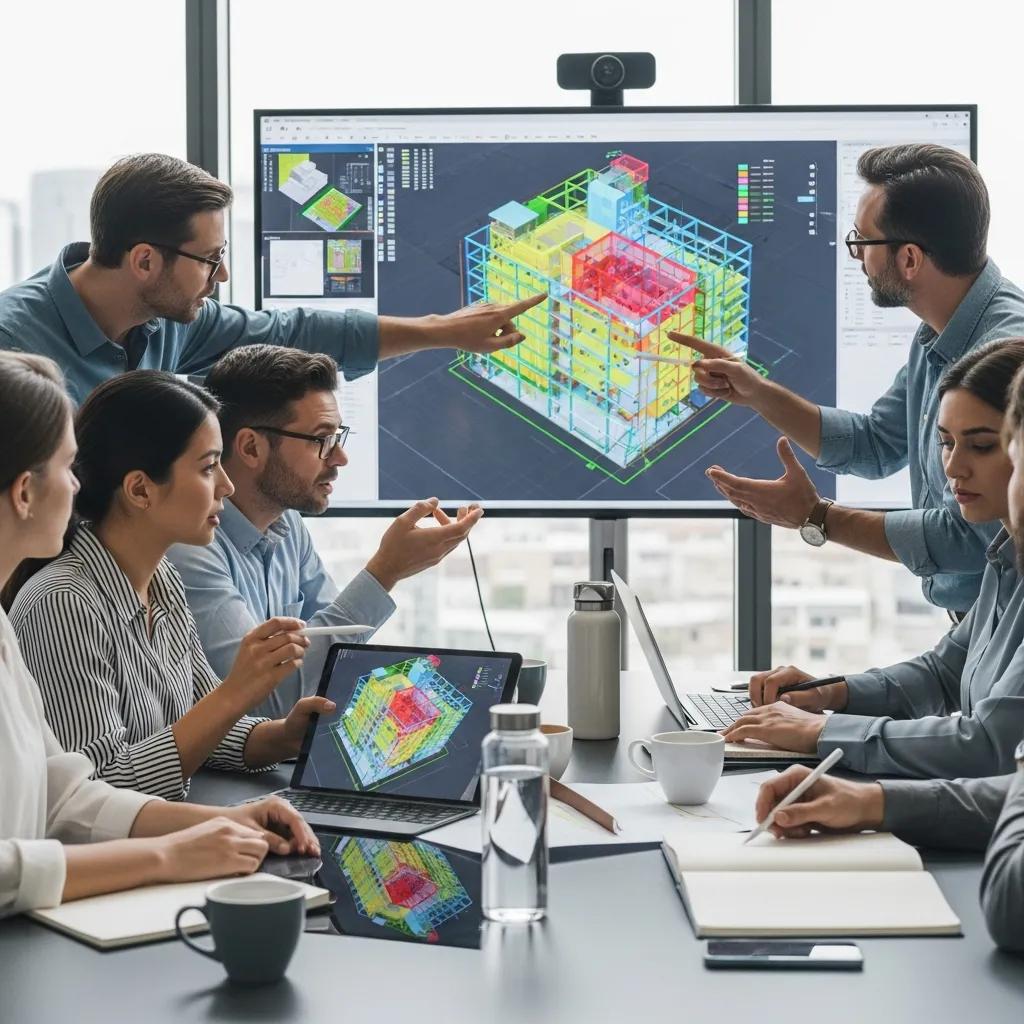
BIM coordination makes clash detection actionable by setting collaboration standards, preparing review-ready federations, and turning clash output into clear work packages for trades. Centralized models and issue tracking increase transparency between architects, structural engineers, and MEP leads, speeding design validation and shrinking the loop from detection to resolution. Standards — including LOD expectations, naming conventions, and clash severity rules — reduce false positives and keep the team focused on high-impact issues that affect installation.
Well-run BIM coordination produces measurable outcomes in three areas:
- Fewer RFIs because design intent is clarified within coordinated models.
- Faster shop drawing approvals when federations are clash-free and support prefabrication.
- Less field rework because geometry is validated before procurement and installation.
These results depend on repeatable processes and tools that carry model validation through to trade-level execution, which we outline below.
What Role Does BIM Play in Streamlining Construction Coordination?
BIM is the common language for interdisciplinary coordination: a visual, data-rich model everyone can review together. Regular coordination meetings using federated models let teams visualize conflicts, set priorities, and agree on routing or design adjustments before fabrication. Integration with project-management and issue-tracking platforms keeps assignments visible and enforces accountability, while standardized model handoffs preserve consistency for repeatable clash testing.
By turning design intent into documented coordination actions, BIM reduces misunderstandings between design and construction teams and enables efficient MEP and structural coordination using Navisworks as the aggregation and testing platform.
How Are MEP and Structural Components Coordinated Using Navisworks?
Navisworks gives teams practical tools — model sectioning, clash grids, rule-based tests, and saved viewpoints — to localize clashes and clearly communicate solutions. A typical checklist includes importing authoring files (Revit, IFC), validating geometry and levels, running prioritized clash tests (hard, clearance, proximity), grading and filtering results, and exporting reports for trade action. Issue lifecycle control requires re-running validation tests after updates to confirm fixes and preserve model integrity.
Those steps produce clear deliverables — clash reports, updated federations, and verified viewpoints — that inform shop drawings, prefabrication, and field layout. Consistent execution of this routine helps translate coordinated models into installed reality on Charlotte sites.
What Virtual Design and Construction Services Support Clash Detection in Charlotte?
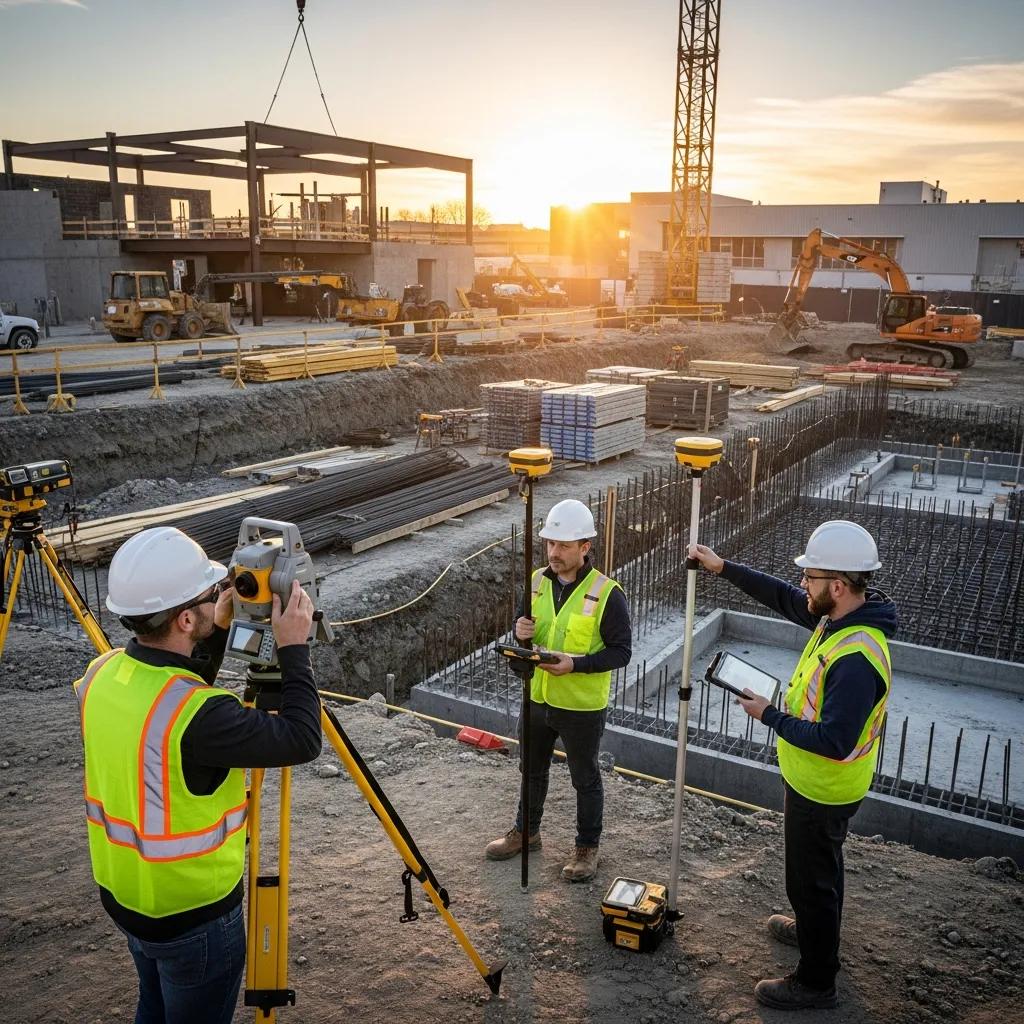
Virtual Design and Construction (VDC) services close the gap between digital coordination and the field by handling model setup, federation, structured clash management, and as-built verification. VDC consulting defines standards and workflows, federations run clash tests and produce prioritized reports, and as-built capture (3D scanning/point cloud) verifies installed conditions. Together these services produce coordination meeting outputs, clash logs, corrected models, and field-verification packages that guide layout crews and reduce rework.
Below is a quick comparison of common technologies and the deliverables they produce in a VDC-enabled clash-detection workflow.
| Entity | Attribute | Value |
|---|---|---|
| Navisworks | Clash detection + federation | Detailed clash reports and saved viewpoints |
| Trimble Robotic Total Station | Field layout accuracy | Millimeter-level placement and verification |
| 3D Scanning | As-built capture | Point cloud integration for verification |
These tools work together: federated clash reports shape layout instructions, Trimble layout verifies placements in the field, and 3D scanning confirms installed conditions for final closure. The sections that follow explain how consulting and specific technologies bring this ecosystem to life.
How Does VDC Consulting Improve BIM and Clash Detection Implementation?
VDC consulting reduces friction by defining coordination standards, adding clash-testing protocols to the BIM Execution Plan, and training teams on workflows and toolchains. Consultants align naming conventions, set acceptable tolerances, and establish meeting cadences so clash detection becomes a predictable, scheduled activity — not an afterthought. Typical outputs include BEP fragments focused on clash management, governance matrices that assign responsibility for model updates, and training sessions that help trade partners interpret and act on clash reports.
That governance and training framework speeds resolution and removes ambiguity around ownership before model federation. With those foundations in place, the technology choices determine how model findings translate into field actions.
What Technologies Does CCLS Use for Precision Layout and Clash Resolution?
Conway Coordination and Layout Services (CCLS) relies on proven VDC and layout tools — notably Autodesk Navisworks for model federation and clash management, and Trimble Robotic Total Station for precise field layout — to connect coordination work with accurate installation. Where as-built verification is needed, point cloud capture and 3D scanning let teams compare installed conditions to the federated model and close coordination loops. These tools enable CCLS to produce actionable clash reports and layout packages trades can implement with confidence.
Primary technologies and their roles in the coordination-to-field workflow:
- Autodesk Navisworks: Aggregates models and runs clash tests to generate prioritized issues.
- Trimble Robotic Total Station: Converts model coordinates into precise field layout and verification.
- 3D Scanning / Point Cloud: Captures as-built conditions for reconciliation and verification.
These pairings support practical workflows and are routinely integrated into project handoffs to improve constructability. Next, we’ll explain why teams choose CCLS for these services in Charlotte.
Why Choose Conway Coordination and Layout Services for Navisworks Clash Detection in Charlotte?
Conway Coordination and Layout Services (CCLS) is a family-owned, Charlotte-based firm that pairs hands-on precision layout with practical VDC services. We focus on accuracy and proactive problem-solving, offering precision construction layout, Navisworks-based clash detection and resolution for MEP and structural systems, and VDC consulting to establish standards and processes. Our client-first approach combines responsive service with the technical tools needed to reduce site surprises and improve installation accuracy.
When selecting a coordination and layout partner, look for responsiveness, domain know-how, and a willingness to integrate VDC workflows into your processes. Below we outline the experience and values that set CCLS apart.
What Experience and Expertise Does CCLS Bring to Charlotte Construction Projects?
CCLS offers a validated set of services for Charlotte projects: precision construction layout with Trimble robotic systems, Navisworks-based clash detection and resolution for MEP and structural trades, VDC consulting to set up standards and workflows, and as-built verification through 3D scanning. We package these capabilities so teams can move from preconstruction coordination to field layout and verification under a single point of responsibility, reducing handoff friction and preserving model-to-field continuity.
Bundling these competencies under one provider keeps accountability clear and streamlines the path from coordinated models to accurate installed conditions. Below we describe how our family-owned values shape delivery.
How Does CCLS Integrate Family-Owned Values into Construction Coordination?
Our family-owned approach emphasizes stewardship, continuity, and client responsiveness. That looks like consistent team assignments, attentive service during coordination meetings, and an ownership mindset that treats each project outcome as our own. This client-oriented stance complements our technical abilities, ensuring dependable delivery through coordination and field verification rather than a purely transactional relationship.
Technical excellence backed by a steady, relationship-driven approach helps projects run smoother from coordination through turnover. With provider selection clear, the next section maps the step-by-step implementation of clash detection in Charlotte workflows.
How Is Navisworks Clash Detection Implemented in Charlotte Construction Workflows?
Implementing Navisworks clash detection on Charlotte projects follows a clear sequence: model intake and validation, federation and clash testing, issue assignment and tracking, validation runs, and field layout with verification. Each step produces deliverables — submission packages, clash reports, updated federated models, and layout instructions — that move responsibility from identification to closure. Defined roles (BIM coordinator, trade leads, GC, owner) and regular cadences keep the process timely and actionable.
Use this numbered checklist as a practical implementation guide for Navisworks-driven clash detection.
- Model Submission & Validation: Receive discipline models; confirm naming, levels, and geometry for accurate federation.
- Federation & Clash Testing: Build the federated model and run prioritized clash tests with agreed tolerances.
- Issue Assignment & Tracking: Grade, assign, and export clash reports to trade leads for resolution.
- Model Update & Validation Runs: Reconcile revised discipline models and re-run tests to confirm fixes.
- Field Layout & Verification: Produce layout packages and verify installed conditions with Trimble or 3D scanning.
These steps tie tools to deliverables and owners so model findings become field-verified results. The table below maps process steps to tools, outputs, and owners for quick reference.
| Step | Tool | Deliverable | Owner |
|---|---|---|---|
| Model Intake | Revit/Navisworks | Submission checklist | BIM Coordinator |
| Federation & Tests | Navisworks | Clash report + viewpoints | BIM Coordinator |
| Assignment | Issue tracker | Assigned issue list | GC / Trade Lead |
| Validation Run | Navisworks | Updated clash log | BIM Coordinator |
| Field Verification | Trimble Robotic Total Station / 3D Scan | Layout packages / point cloud | Layout Crew / CCLS |
This mapping clarifies who delivers what and when, enabling predictable handoffs that reduce ambiguity and speed resolution. The sections that follow expand the workflow and show how clash detection prevents common, costly problems.
What Is the Step-by-Step Process of Clash Detection and Resolution?
The process starts with disciplined model intake — confirm origins, levels, and naming so federation is accurate. After models are combined in Navisworks, coordination teams run hierarchical clash tests (hard, clearance, proximity), grade results by severity, and export prioritized reports. Trades resolve issues in their native authoring tools and submit updated models; the BIM coordinator reruns validation tests to confirm fixes. Resolved items then feed into layout packages and field verification to close the loop.
Documenting each iteration and assigning ownership reduces uncertainty and prevents issues from slipping through during procurement and installation. A predictable cadence of federation, testing, and verification narrows the gap between model intent and installed conditions.
How Does Clash Detection Prevent Costly Errors and Delays?
Clash detection stops fabrication and routing conflicts before materials are ordered and assemblies are installed, cutting the need for corrective labor and expedited replacements. It also reduces schedule risk by ensuring sequencing and access constraints are considered during coordination rather than during installation pauses. Common prevented errors include duct-to-beam collisions, pipe interferences in mechanical rooms, and misaligned structural penetrations.
Catching these issues upstream improves procurement accuracy and shop drawing precision, lowering the chance of on-site stoppages and change orders. With a clear implementation path, teams are ready to operationalize coordination outcomes — provided they scope the work correctly with the right partner.
For project-specific consultation and to scope Navisworks-based clash detection into your Charlotte project, Conway Coordination and Layout Services (CCLS) offers VDC Construction Services and consulting to align coordination practices, run federations, and deliver field-verified layout packages. Contact Nathan Conway at CCLS to discuss project requirements and scoping for coordination and layout services.
What Are Common Questions About Navisworks Clash Detection Services in Charlotte?
Teams frequently ask how Navisworks compares to other BIM coordination tools, what Charlotte-specific challenges clash detection addresses, and how to engage services and set expectations for deliverables. Clear answers help teams choose the right coordination cadence and set realistic timelines and responsibilities. The following subsections provide concise comparisons and link local pain points to clash-detection benefits.
How Does Navisworks Clash Detection Differ from Other BIM Coordination Tools?
Navisworks stands out for federation — it aggregates multiple file formats into one coordination model and delivers robust clash-testing plus saved-viewpoint reporting tailored for interdisciplinary review. Authoring tools like Revit handle native model creation, while Navisworks specializes in cross-discipline testing and consolidation and produces exportable clash logs for downstream workflows. Complementary platforms such as Revit and Autodesk BIM Collaborate Pro remain key for authoring and document control, but Navisworks often serves as the coordination engine on complex Charlotte projects requiring multi-format aggregation and repeatable testing.
This authoring-versus-federation division explains why Navisworks is commonly chosen for multi-discipline coordination on demanding projects.
What Are Typical Challenges in Charlotte Construction That Clash Detection Addresses?
Charlotte projects often contend with tight mechanical pathways, phased construction that needs careful sequencing, retrofits where as-built conditions differ from drawings, and congested sites with limited staging. In each case, proactive clash detection helps teams visualize routing options, test clearances, and prioritize changes before fabrication or installation, reducing the risk that constrained conditions will cause delays.
Quick checklist mapping local pain points to clash-detection benefits:
- Tight MEP corridors → Clearance clash tests and routing optimizations.
- Phased construction → Sequencing simulations and temporary-work coordination.
- Retrofits and preservation → Point-cloud reconciliation for accurate as-built models.
These targeted uses show why a structured coordination program is essential for Charlotte projects that face complexity and constrained sites.
- Minimum three implementation lists and checklists are provided above to guide teams through selection, process, and local challenge mapping.
- Three EAV tables have been included to summarize stakeholder benefits, technology deliverables, and process ownership.
- Key entities and tools—Autodesk Navisworks, Trimble Robotic Total Station, Revit, and 3D scanning—are referenced to keep model-to-field continuity clear.
With a structured approach, Charlotte project teams can convert model insights into verified installed conditions while keeping roles, tools, and deliverables transparent from intake to turnover.
Frequently Asked Questions
What types of projects benefit most from Navisworks clash detection services?
Clash detection is most valuable for complex projects: those with dense MEP systems, phased construction schedules, retrofits, or tight urban sites. In Charlotte, where space and sequencing are often constrained, Navisworks helps teams reduce delays and rework on high-rise, commercial, healthcare, and renovation projects that need precise coordination among multiple trades.
How can teams ensure effective communication during the clash detection process?
Effective communication relies on regular coordination meetings, clear clash reports, and collaborative tools that let stakeholders review and discuss issues together. Define roles and responsibilities up front, use an issue-tracking platform that integrates with Navisworks outputs, and keep meeting cadences consistent so assignments and deadlines are visible and enforced.
What training is necessary for teams to effectively use Navisworks?
Teams should train on core Navisworks workflows: model federation, clash testing, saved viewpoints, and report generation. Training should also cover best practices for preparing authoring models (Revit/IFC), grading clash severity, and integrating Navisworks outputs with your issue tracker. Role-based workshops for BIM coordinators and trade leads speed adoption and ensure reports translate into actionable fixes.
How does clash detection impact project timelines and budgets?
Clash detection reduces timeline and budget risk by catching conflicts early — before fabrication and installation. That lowers the frequency of change orders, minimizes corrective work, and supports accurate procurement and prefabrication. The result is a more predictable schedule and tighter budget control across the project lifecycle.
What are the common pitfalls to avoid when implementing clash detection?
Common mistakes include poor model preparation, unclear ownership of issues, and ad hoc testing without standards. Avoid false positives by validating models before federation, set clear rules for clash severity, and maintain disciplined follow-up on resolved items to prevent regression. Structured governance and consistent meeting cadences are critical to success.
How can VDC services enhance the effectiveness of clash detection?
VDC services add value by creating the standards, workflows, and governance that make clash detection repeatable and reliable. Consultants help define BEP fragments for clash management, set tolerances, train teams, and integrate as-built verification so model findings translate into accurate field placement and final acceptance.
Conclusion
Navisworks clash detection gives Charlotte projects a straightforward way to reduce rework, tighten schedules, and improve installation accuracy. By applying disciplined BIM coordination and proven VDC practices, teams can identify issues early and convert model decisions into field-verified results. Conway Coordination and Layout Services (CCLS) offers practical, local support to scope and deliver these services — helping projects move from coordinated models to confident turnover. Contact us to learn how we can tailor a coordination and layout plan for your next Charlotte project.